Real Factory Game Quality of Life Changes
Overview
There were two driving forces when it came to the work done over the past month: feedback from the demo release and the porting from Bevy 0.16 to 0.17 as well as the switch to the Avian physics engine.
I will go over a bunch of the new quality-of-life features resulting from the feedback below, but first I want to cover why I decided to switch to Avian and the work that came with that.
Switching to Avian

I had initially been using the venerable Rapier3D for physics but was unsatisfied for a few reasons.
- High development latency. Given the rapid changes in the Bevy ecosystem and major improvements in each version of Bevy, this was a motivational killer. At the time of this blog post Rapier still does not support Bevy 0.17.
- Non Ergonomic APIs.
- No collider generation.
This all being said, Rapier is a solid physics engine and the work that dimforge does for the Bevy community is amazing. They are just not the best fit for me.
Switching to Avian addressed all of these issues and made things like raycasting a breeze compared to what I was doing.
That, and the amazing collider constructor system, sealed the deal. <3 ConvexDecompositionWithConfig
I did run into one snafu though: Avian does not have a native character controller like Rapier does. This being said, after reading the Avian FAQs, I settled on using bevy_tnua, an excellent replacement.
Time-wise the whole port took a day. Approximately:
- 2 hours for all the colliders and tuning the parameters.
- 3 hours to replace all the ray casting and to set up collision layers. (With enums, very pleasant to do.)
- 3 hours to rewire all the player controls through tnua.
Thanks to all the work done by Joona Aalto on Avian. I am super happy to sponsor him and if you like Avian you should consider it too.
General Quality of Life
Given that the newly implemented tnua made it easy to add a jump, I opted to do so. With a little repurposing of an animation that will be fully revealed later, it was a snap.

Here is where the first bit of feedback-based improvement comes in. It was made very clear that it is important that the cost of things should be made more explicit and clear, before, during, and when you can't build buildings. Now when you hover over or select a building in the build menu the cost is evident.

Machine Productivity
This is where most of the work went. Based on the feedback of factory game enthusiasts, I was made painfully and embarrassingly aware that I had completely forgotten a major element of the genre: that players should have a clear understanding of what is being consumed, produced, and where optimizations can happen in their factories.
Like, I play and enjoy Satisfactory and Factorio. I don't know how I missed this. That being said, it's there now.
I will say this was a pleasure to program with Bevy's ECS system. I don't think there is a better way to track and do the math than ECS. We can just query for machines whose statistics we should update in a system, process them in parallel, and move on with life. Beautiful.
Settings
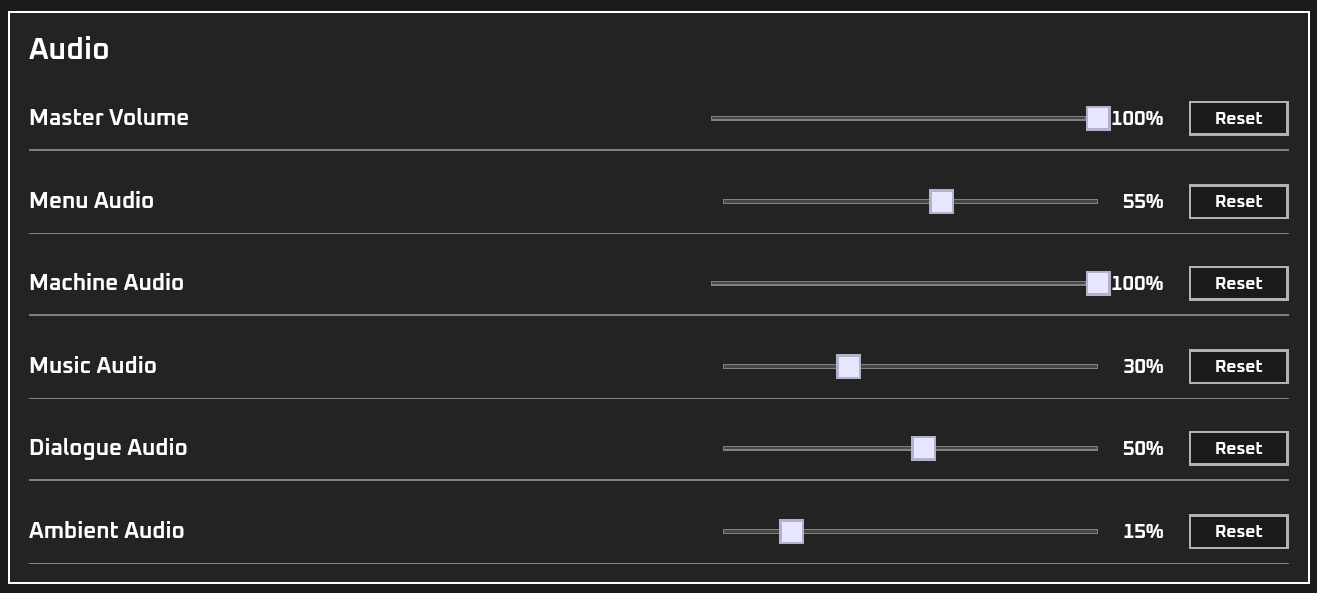
I will say part of why I was itching for Bevy 0.17 was due to the new/reworked UI using observers. This let me step away from the buttons for all settings setup and let me use sliders. Much cleaner. Using observers makes writing UIs less painful. With the latest release, the settings page is much better.
A major quality-of-life improvement I made was regarding the controller guide. Before, it would show keyboard and mouse controls unless you had an Xbox or Steam controller plugged in. This led to a few situations where players were not being shown the correct controls. That is now fixed. By default, the control guide shows what was used last. Yay!


Site Fancification
In progress, but part of the feedback I got was that the site simply didn't let people know anything about the game at all. In fairness, a plain text only site isn't the norm for video game sites. As part of ongoing efforts to make the site more informative, we now have an animated homepage.
I will be continuing to work on fleshing out the rest of the site with rich media over the next few weeks, so keep an eye out.
Conclusion
Lots of quality-of-life improvements based on lots of feedback, with lots more to come. Pretty happy with this. Going forward I am looking forward to adding new features.